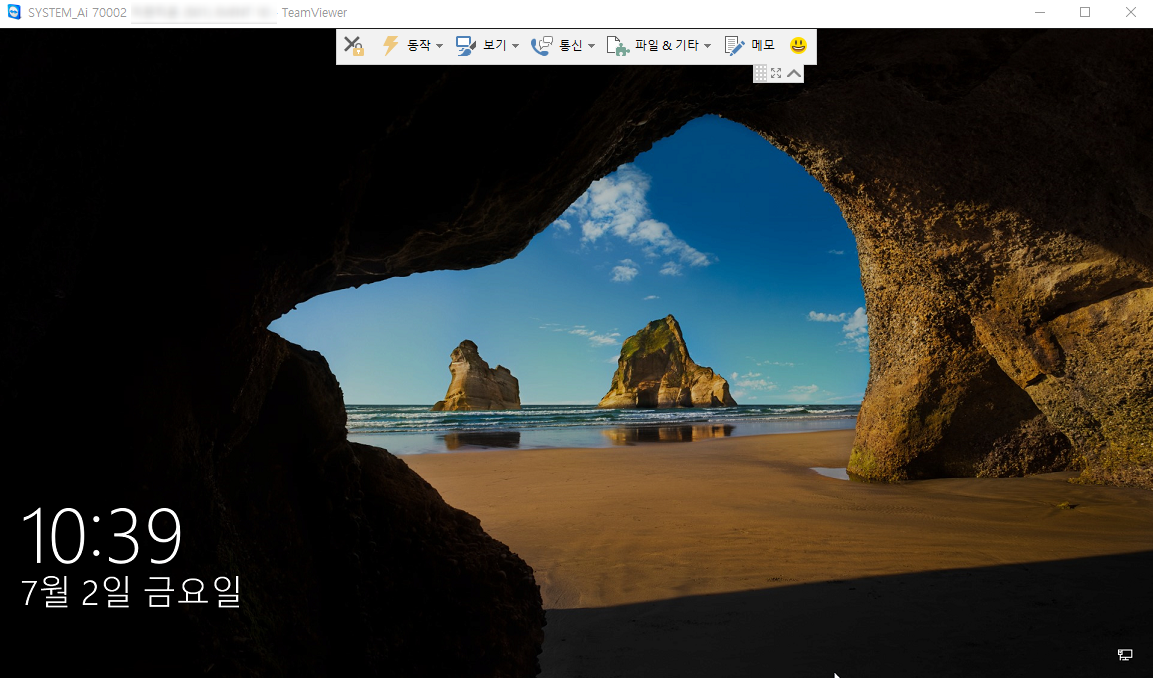
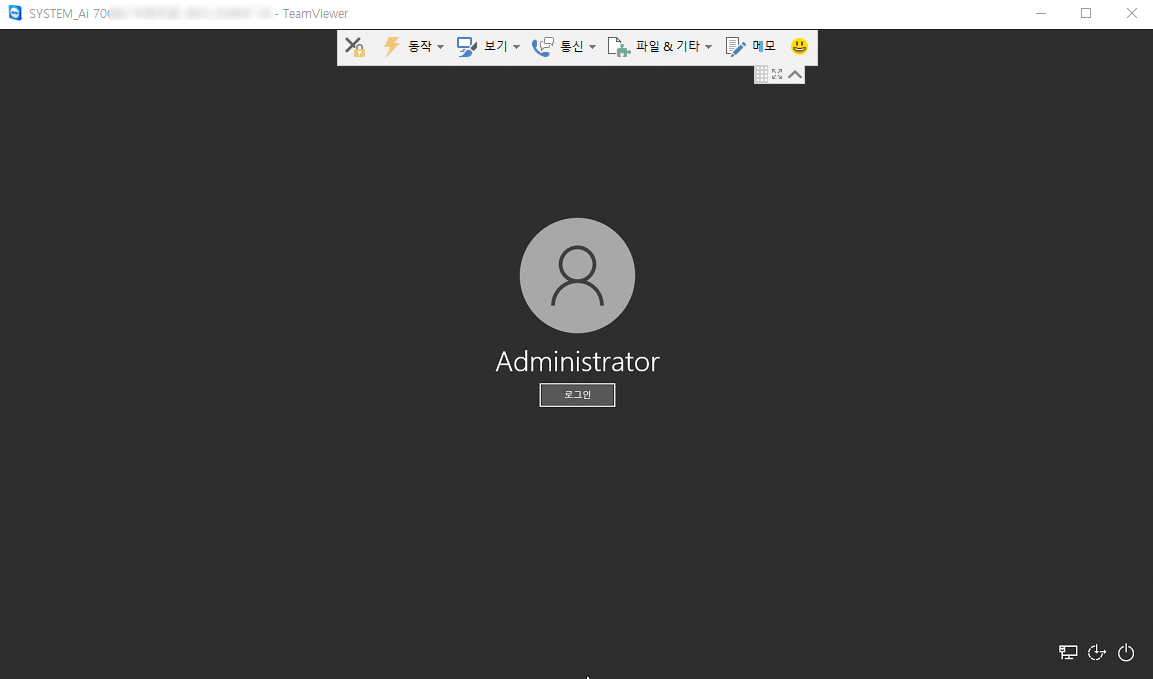
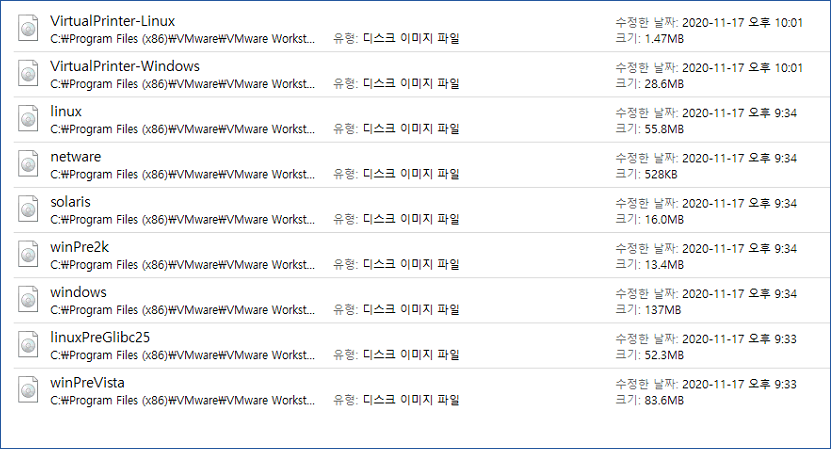
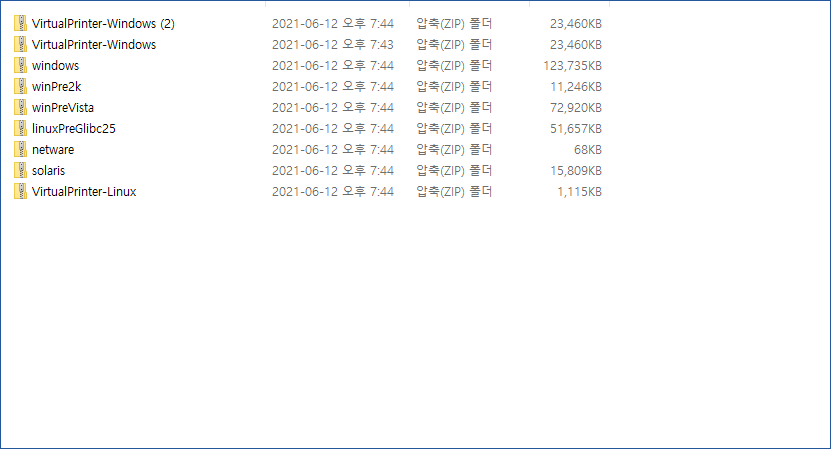
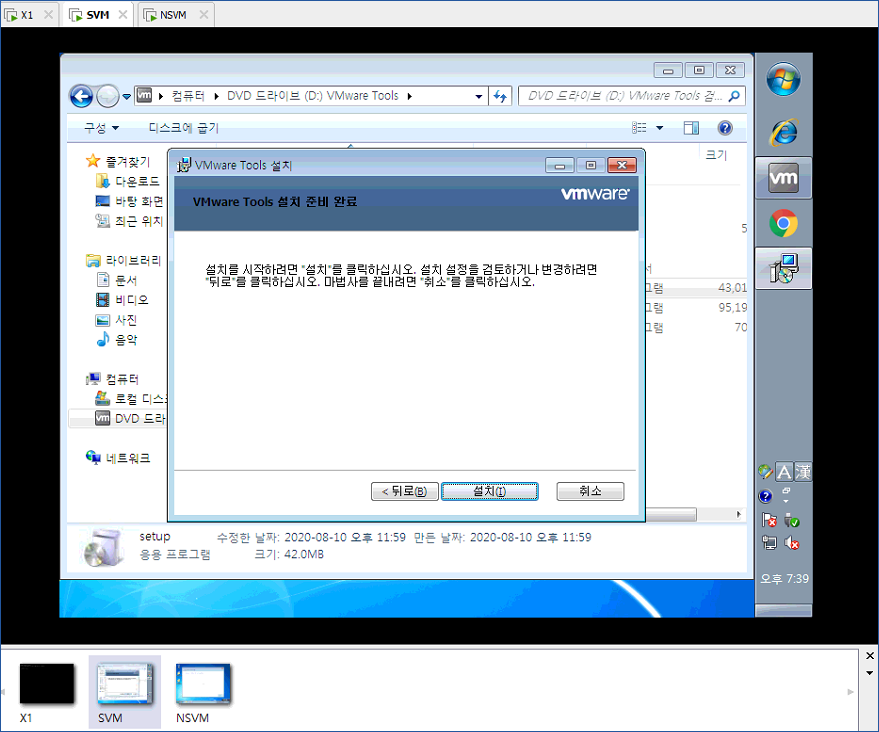
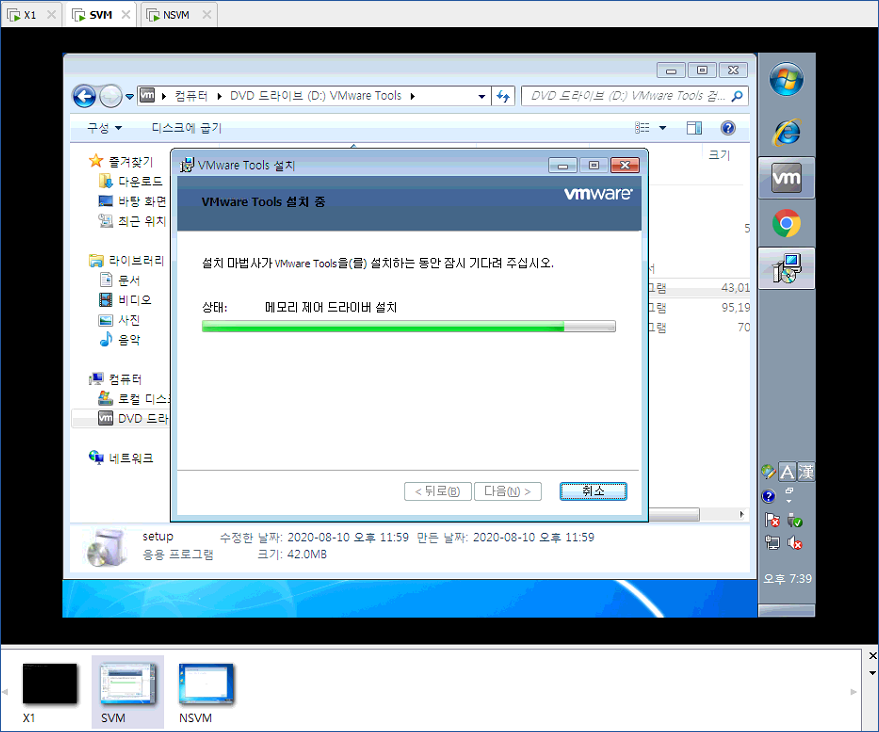
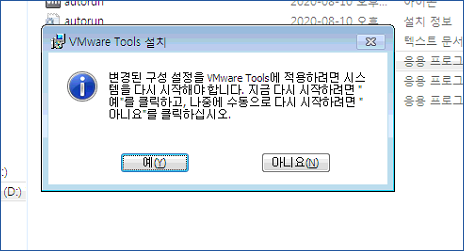
VMWARE VMTOOLs for Windows can download the zip file below.
When you decompress a compressed file, each iso file is present.
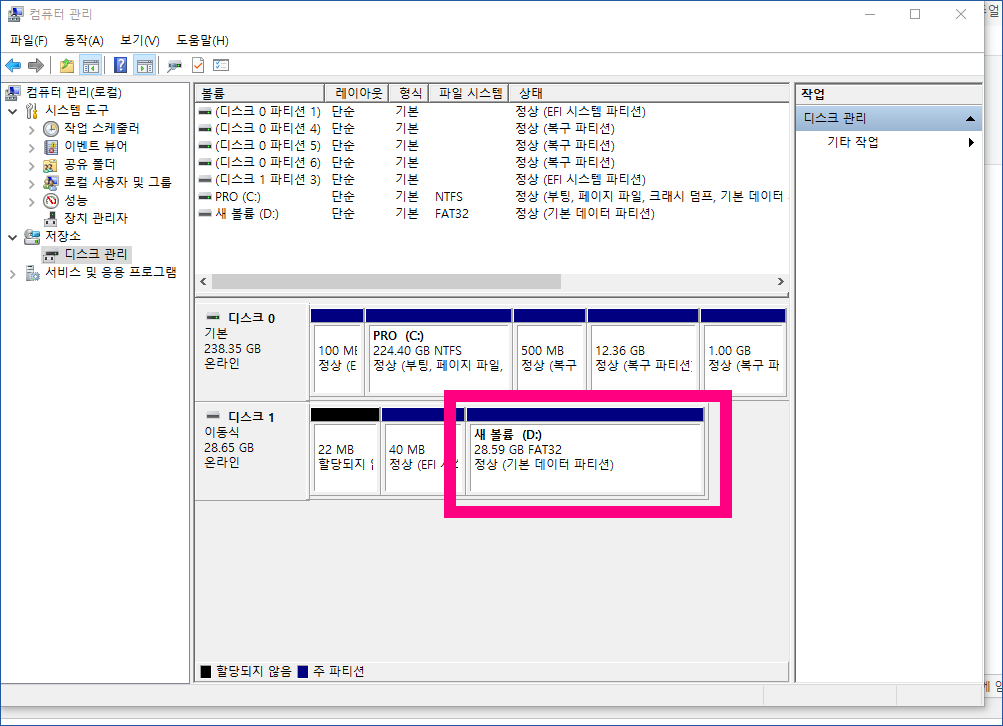
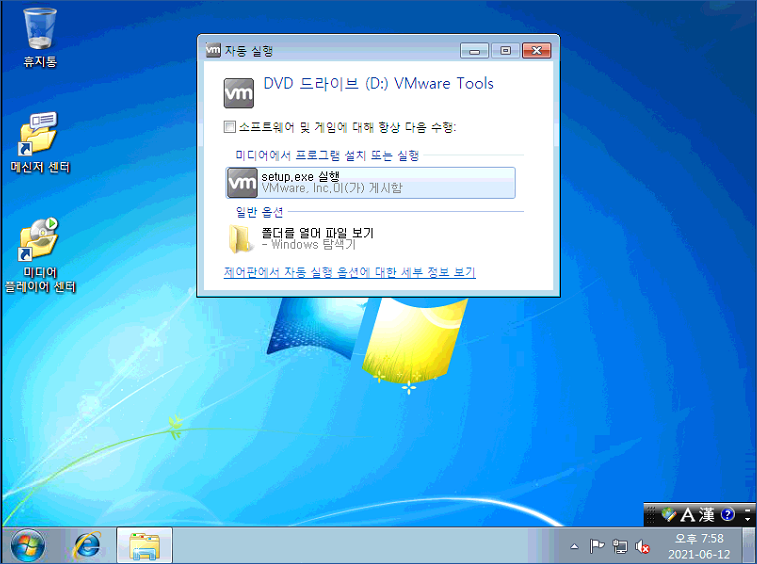
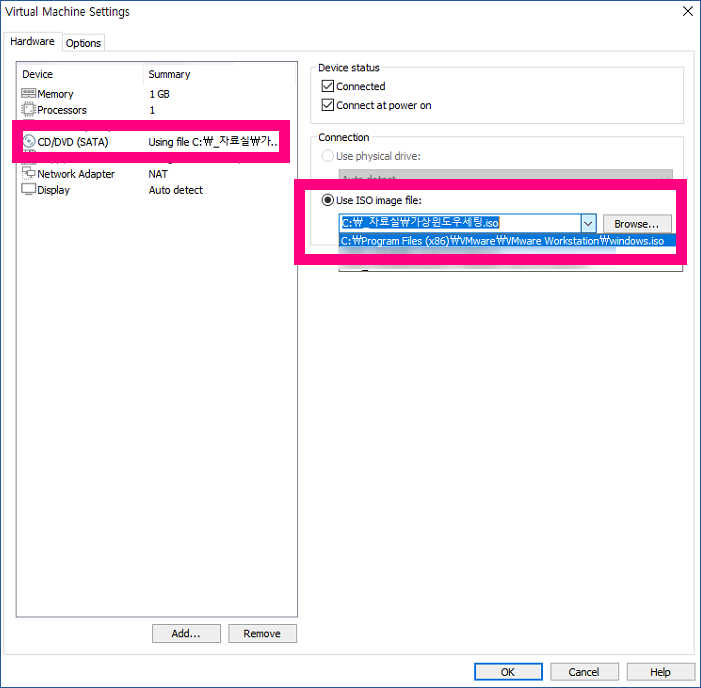
You can load the file from vmware workstation 16 to CD-ROM for use.
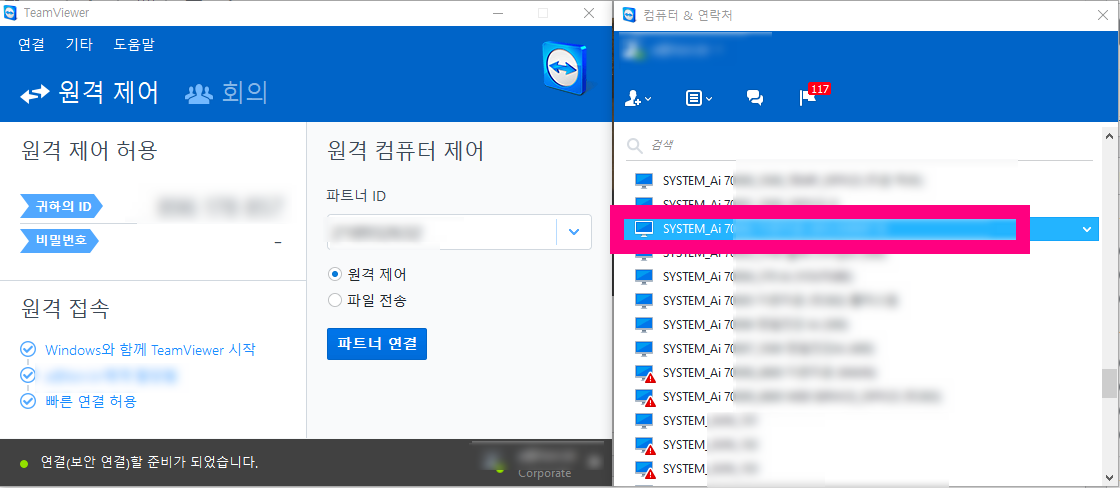
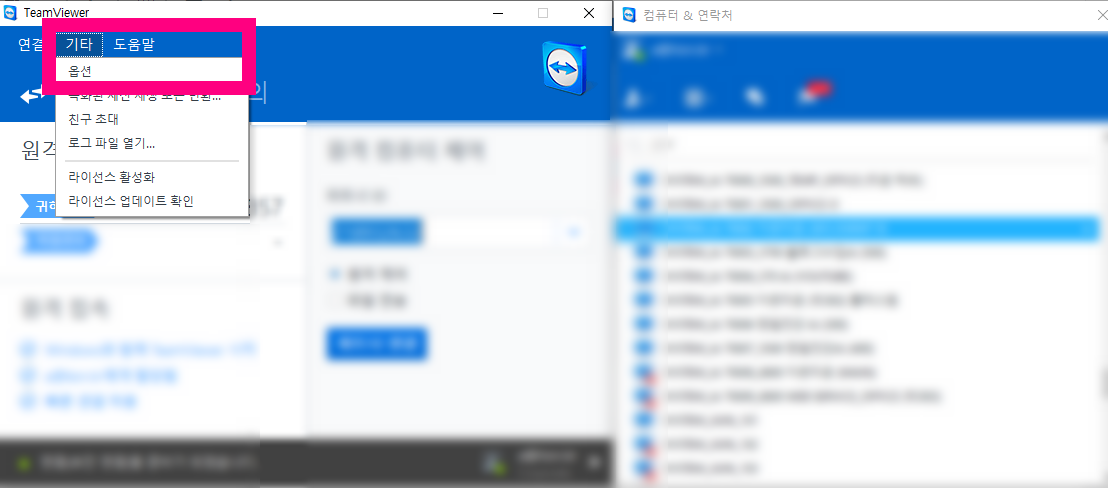
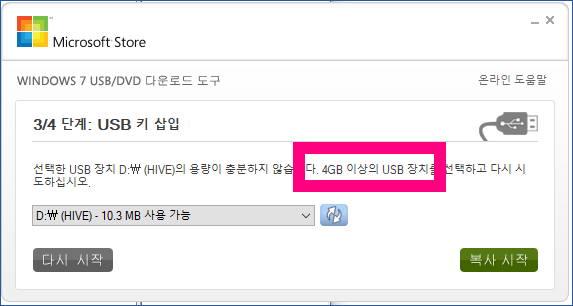
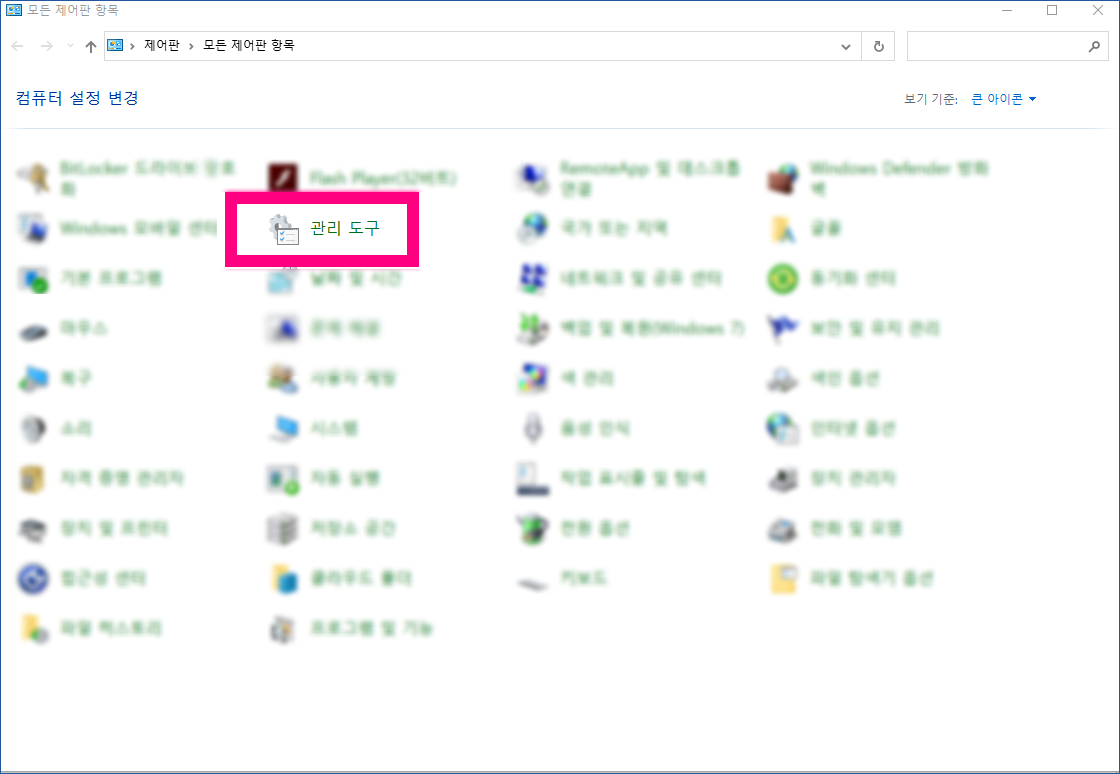
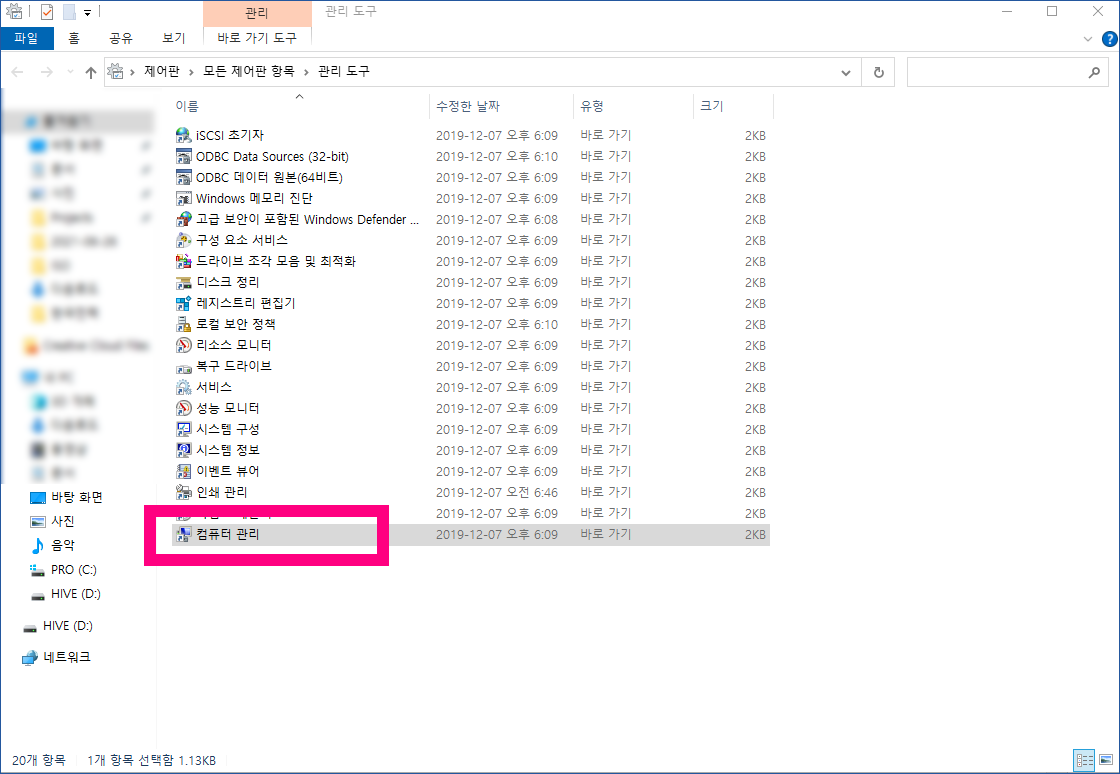
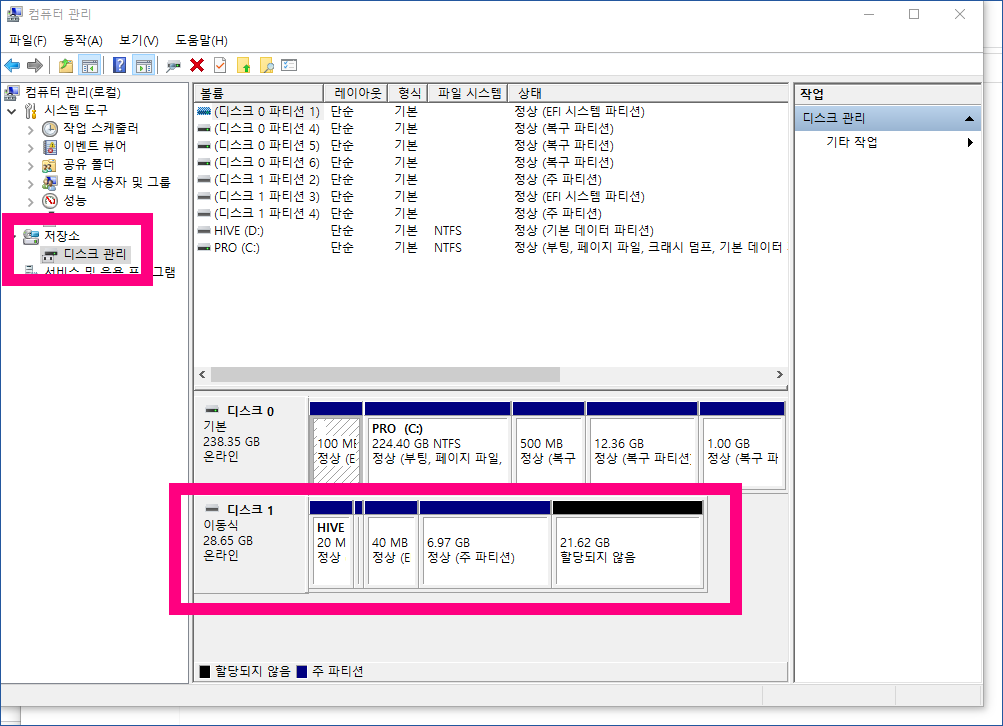
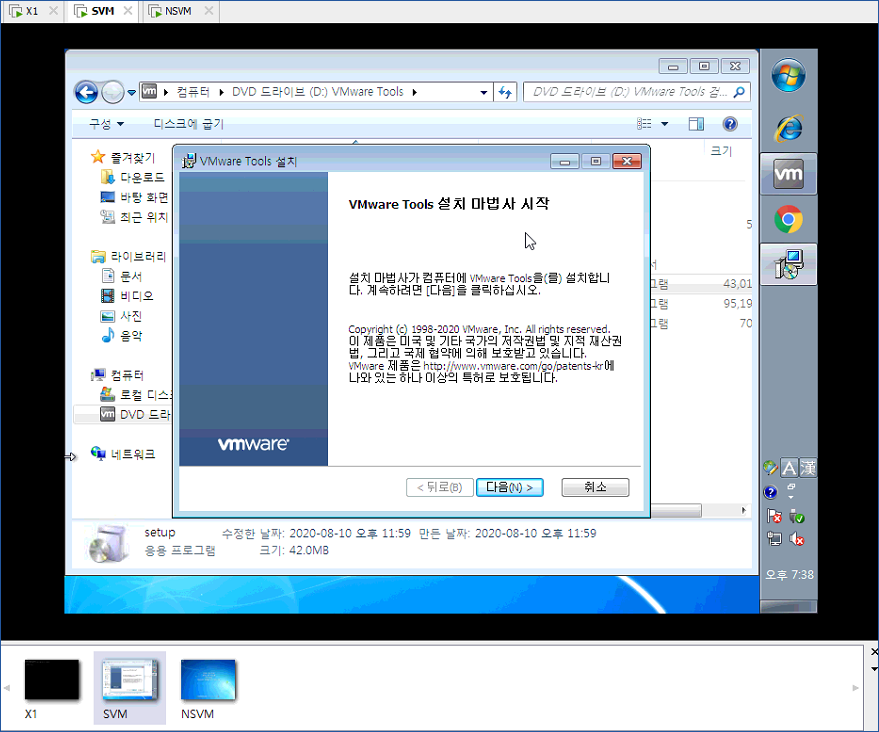
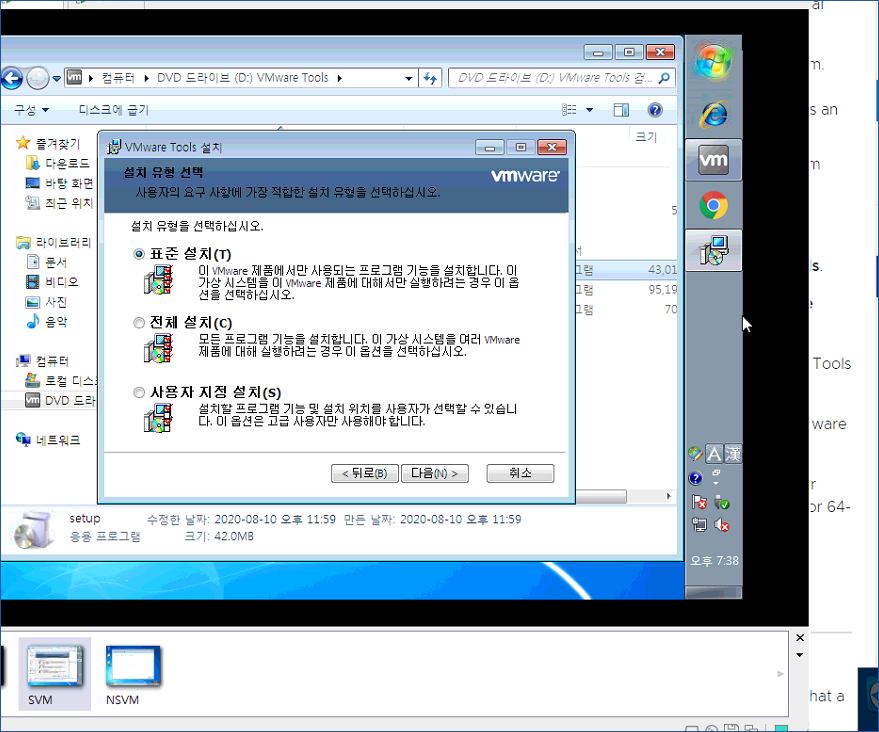
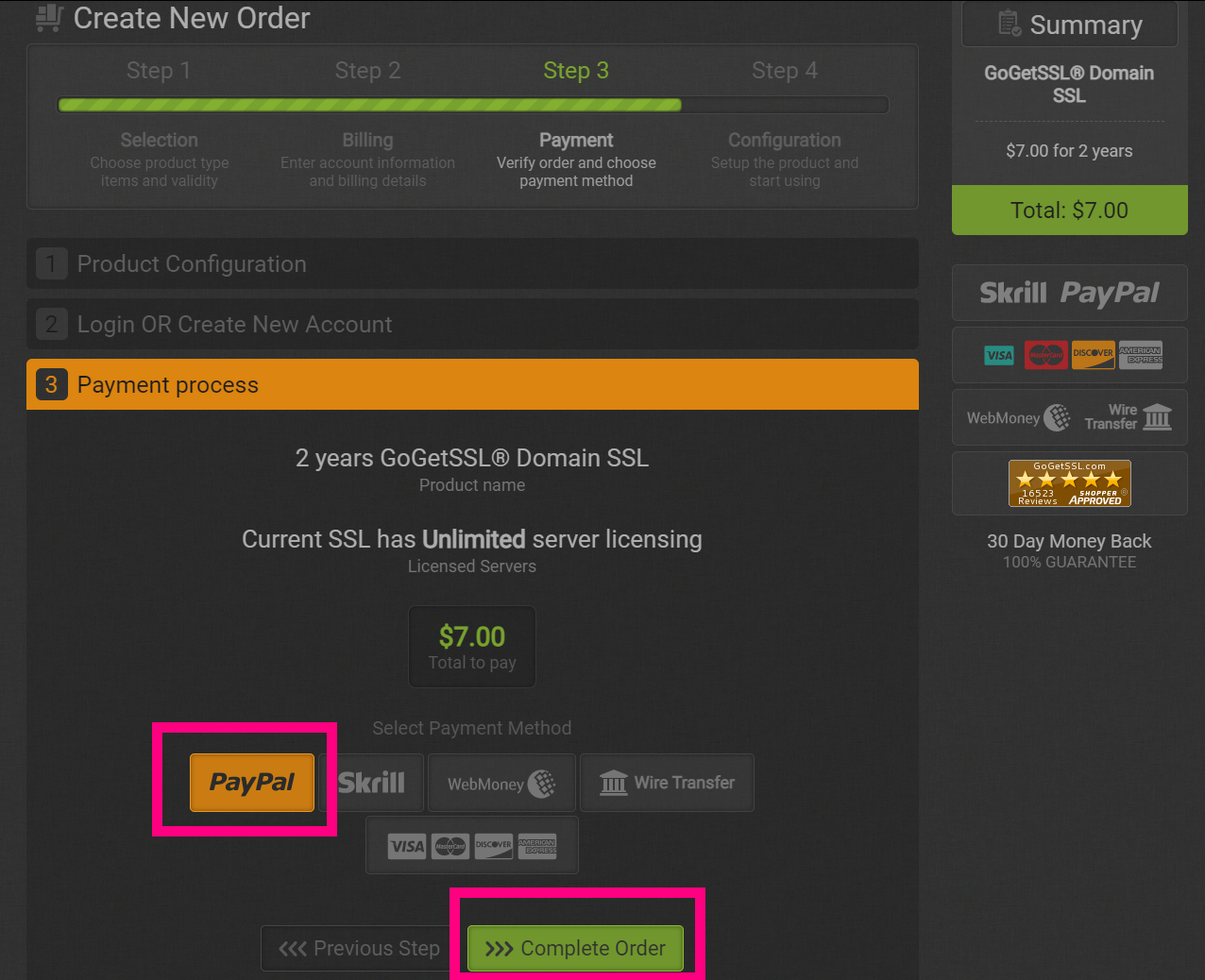
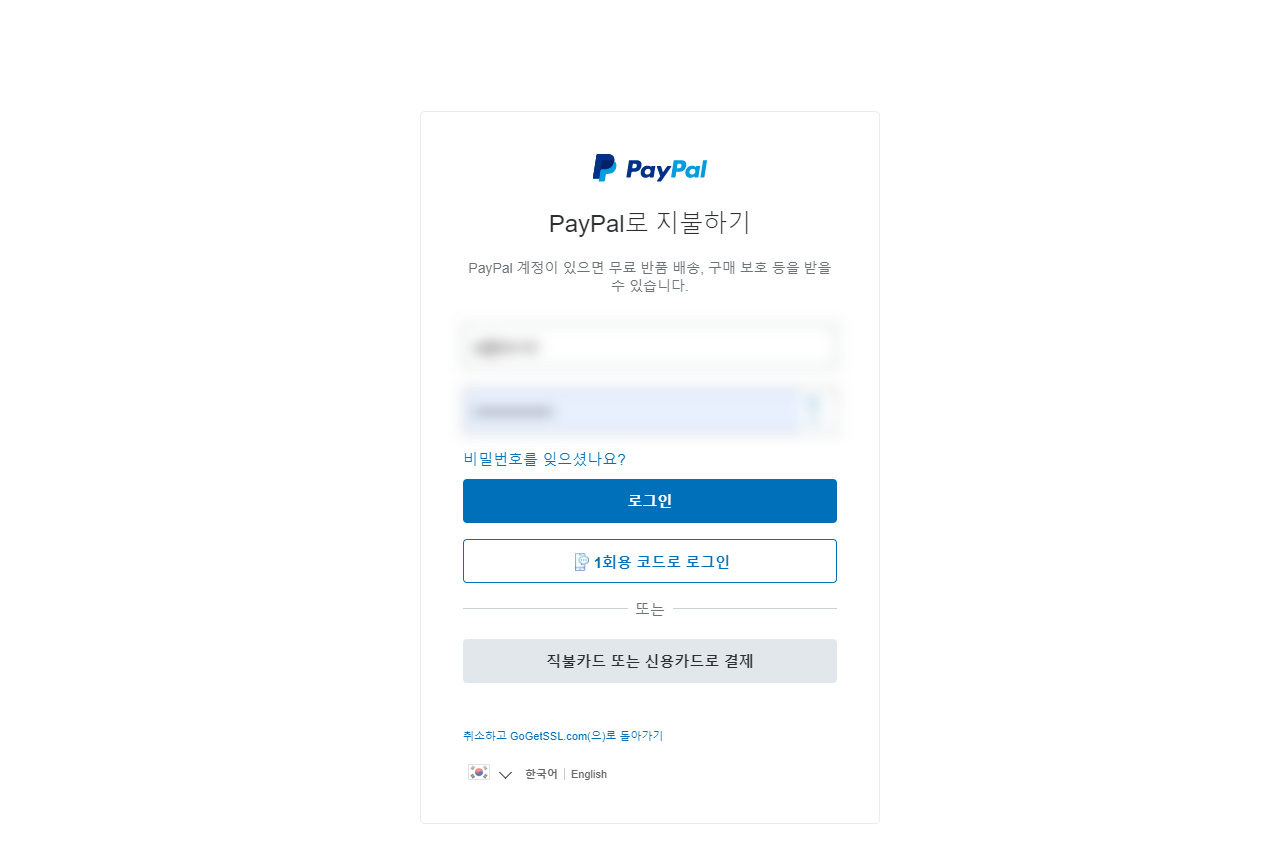
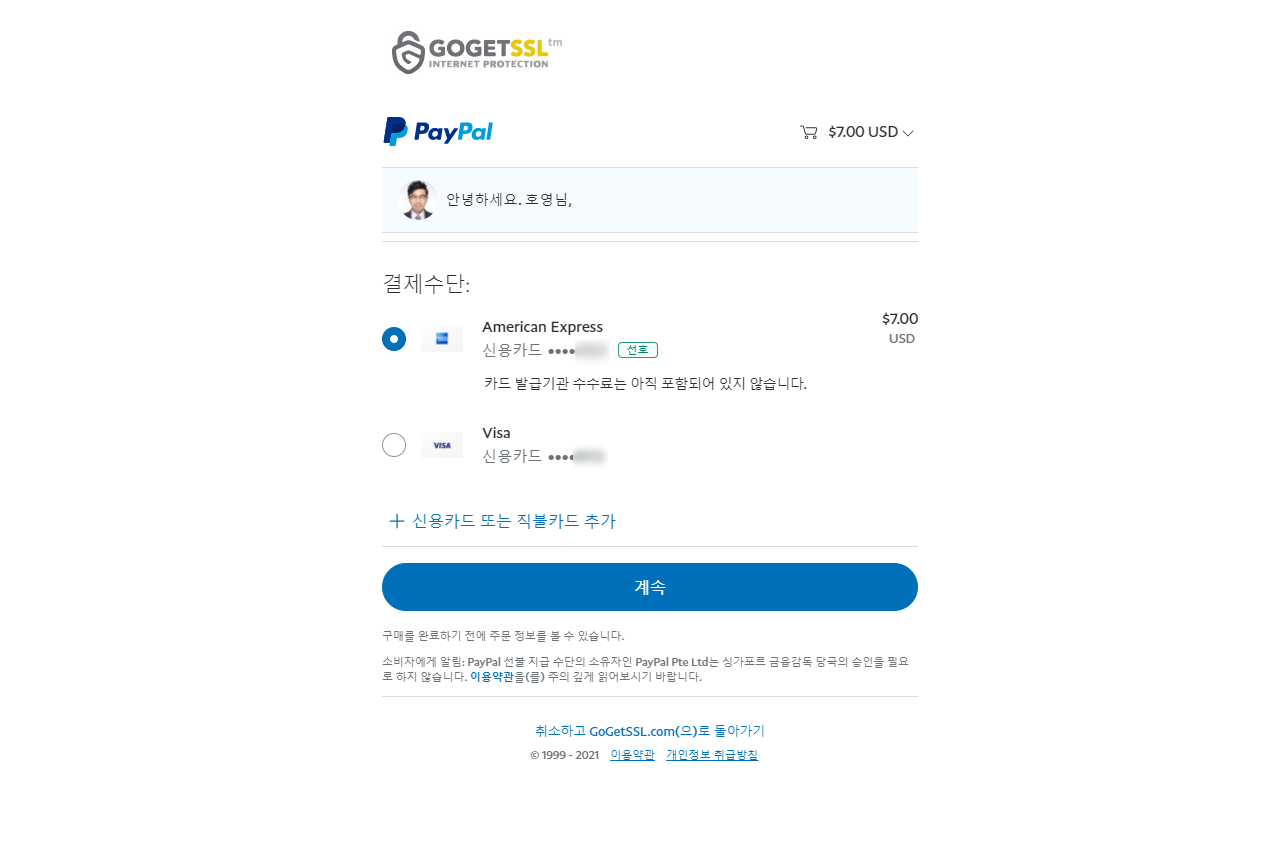
You can follow the screenshot below for explanation.
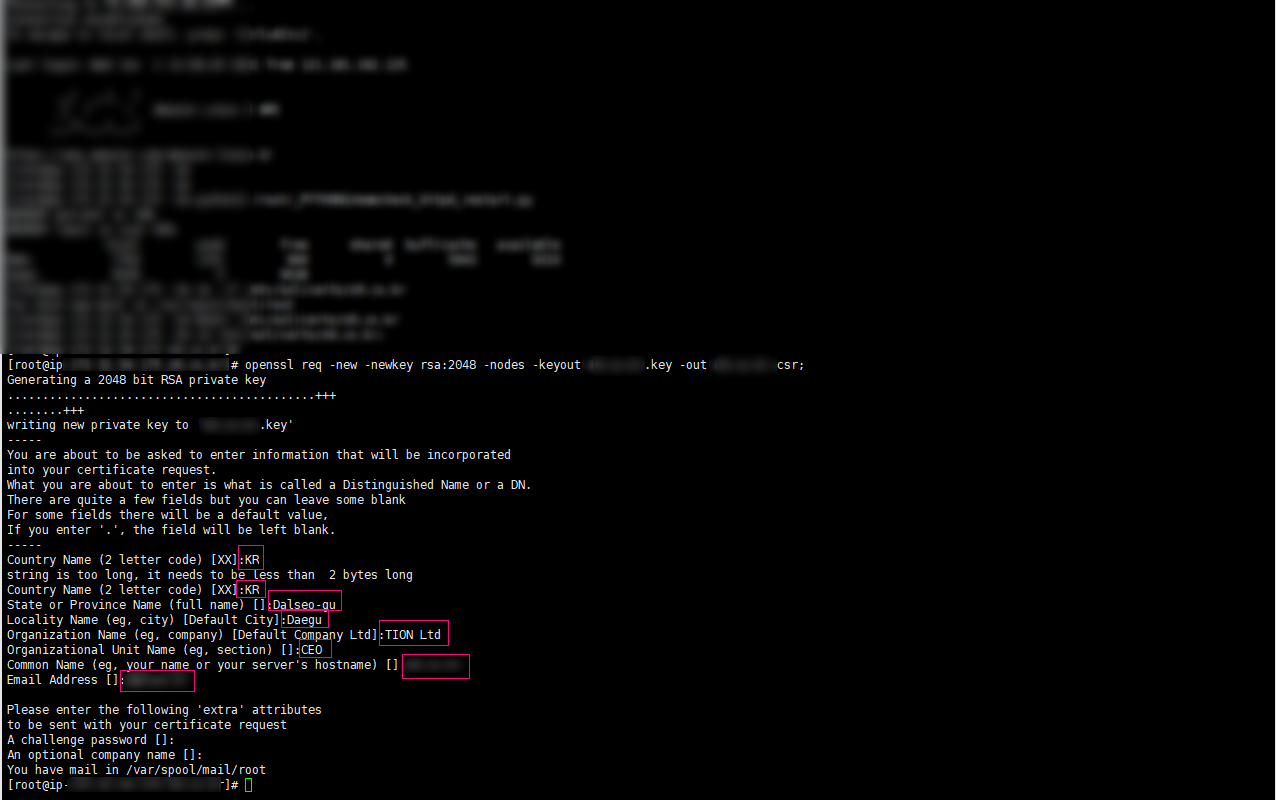
Generating a 2048 bit RSA private key
............................................+++
........+++
writing new private key to 'xxxxxxx.co.kr.key'
-----
You are about to be asked to enter information that will be incorporated
into your certificate request.
What you are about to enter is what is called a Distinguished Name or a DN.
There are quite a few fields but you can leave some blank
For some fields there will be a default value,
If you enter '.', the field will be left blank.
-----
Country Name (2 letter code) [XX]:
만약에 이 문장이 나오지 않고 openssl 명령어가 잘못되었다고 나온다면 openssl 인증서를 설치해야합니다.
설치는 yum install openssl -y 아시죠? 설치하면됩니다.
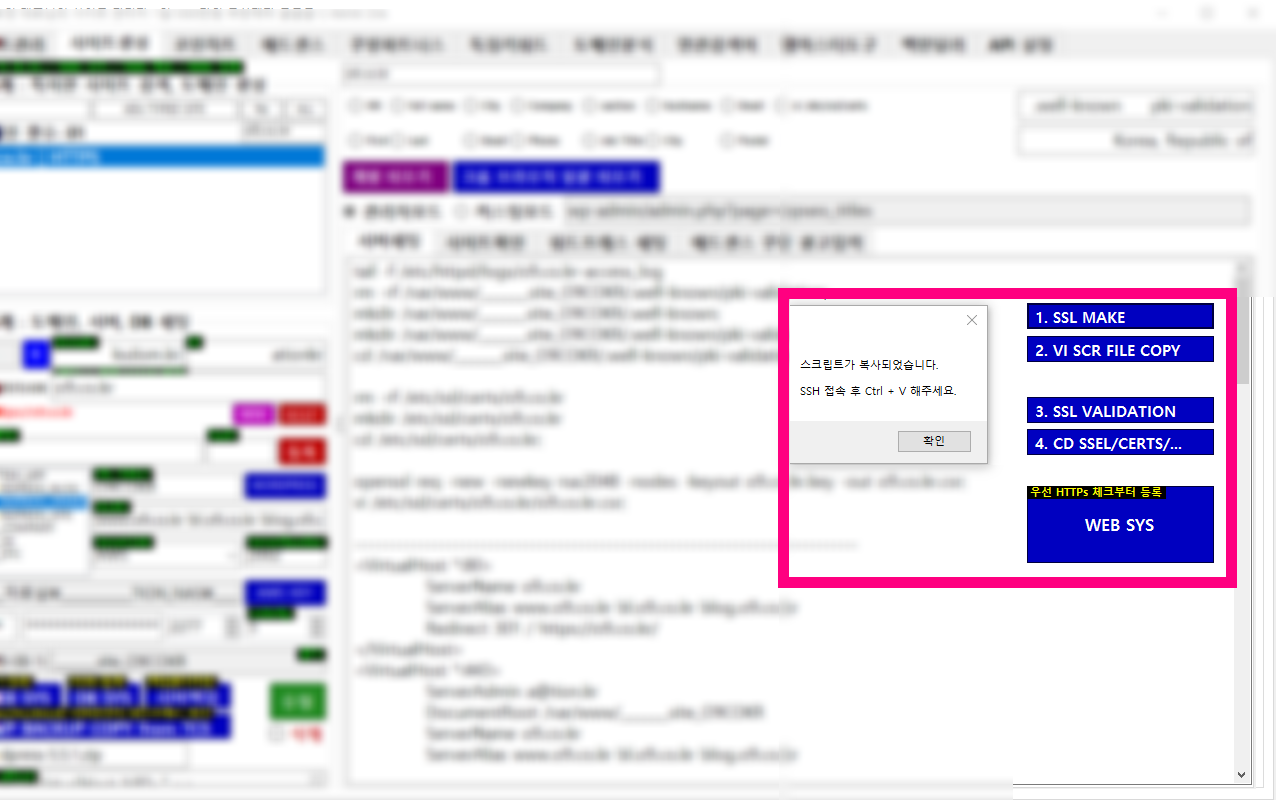
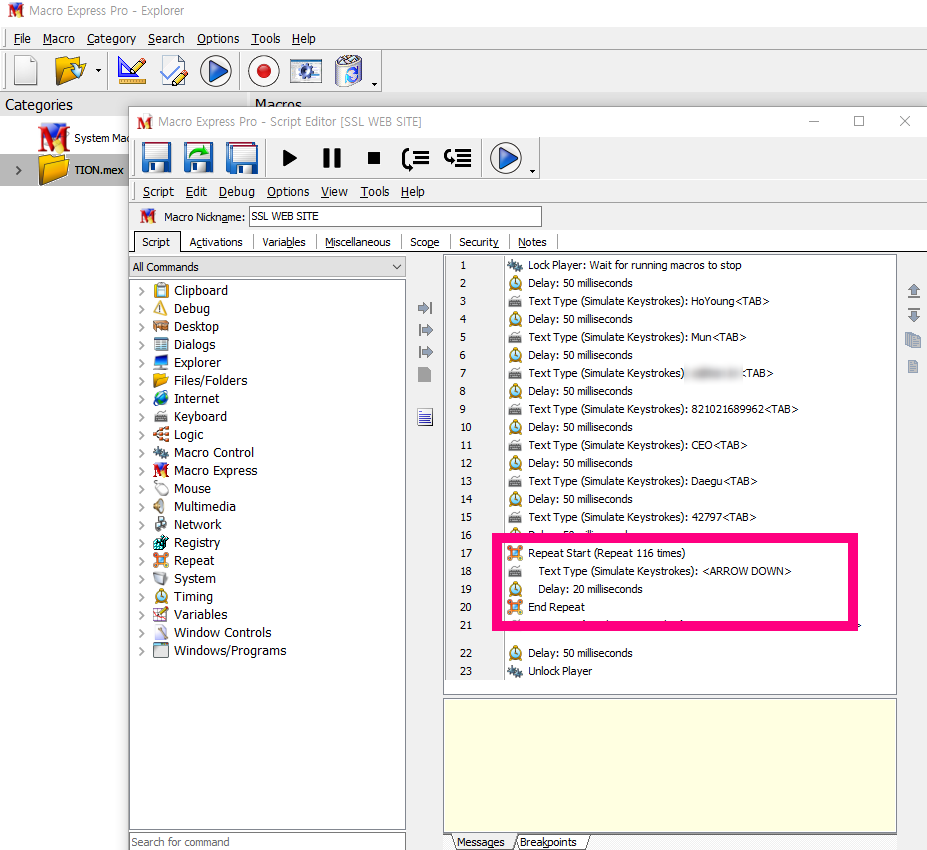
이렇게 입력하고 저는 이때부터 매크로 단축키로 진행합니다.
들어가야 할 항목에 대해서는 제가 알려드릴수 있으나 회사명과 도메인 주소는 각각 자신의 항목에 맞춰서 변경하셔야합니다.
You are about to be asked to enter information that will be incorporated
into your certificate request.
What you are about to enter is what is called a Distinguished Name or a DN.
There are quite a few fields but you can leave some blank
For some fields there will be a default value,
If you enter '.', the field will be left blank.
-----
Country Name (2 letter code) [XX]:KR
string is too long, it needs to be less than 2 bytes long
Country Name (2 letter code) [XX]:KR
State or Province Name (full name) []:Dalseo-gu
Locality Name (eg, city) [Default City]:Daegu
Organization Name (eg, company) [Default Company Ltd]:TION Ltd
Organizational Unit Name (eg, section) []:CEO
Common Name (eg, your name or your server's hostname) []:xxxxxxx.co.kr
Email Address []:emailAdress@tion.kr

Please enter the following 'extra' attributes
to be sent with your certificate request
A challenge password []: (공백) 그냥 엔터치면 됩니다.
An optional company name []: (공백) 이곳도 그냥 엔터치면 됩니다.
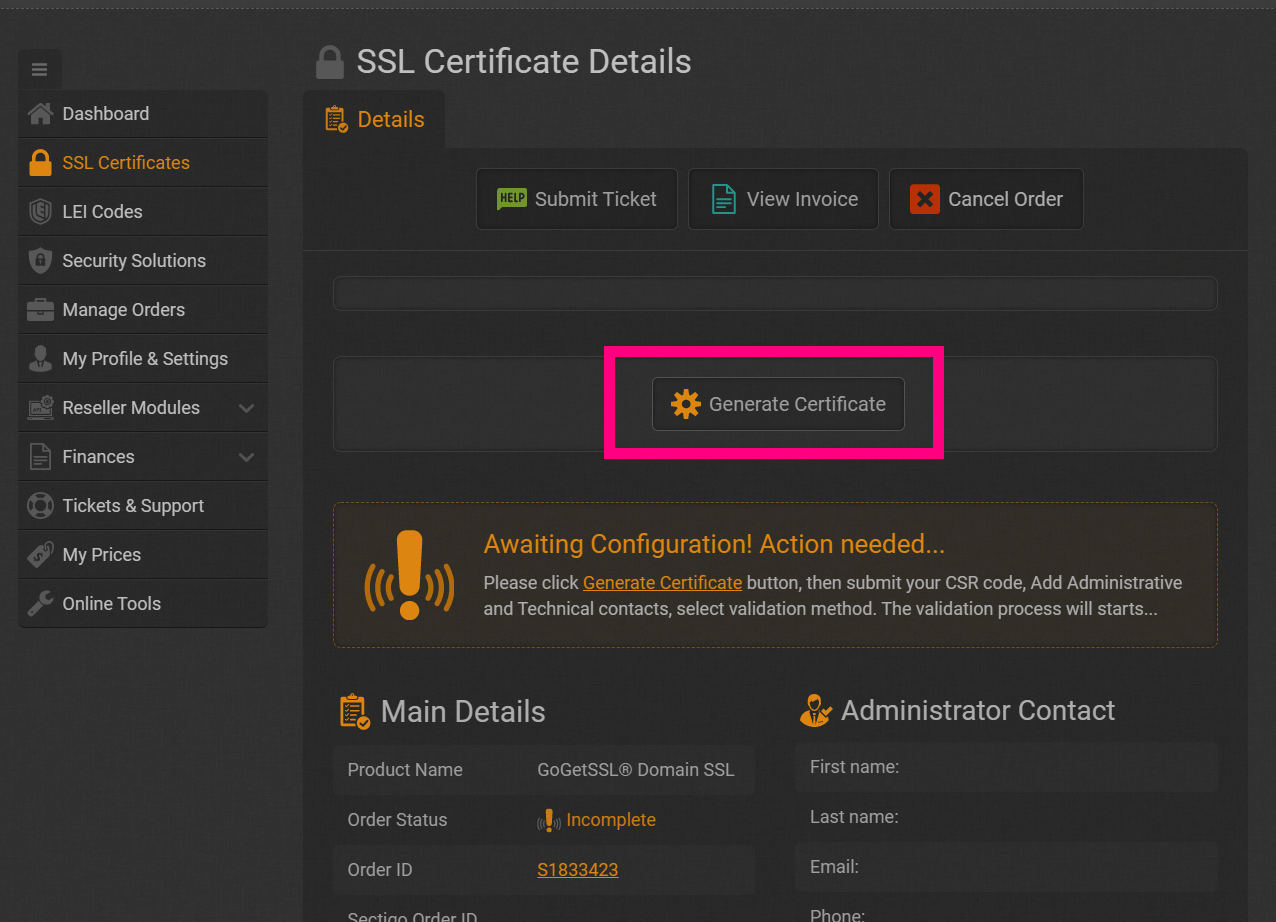
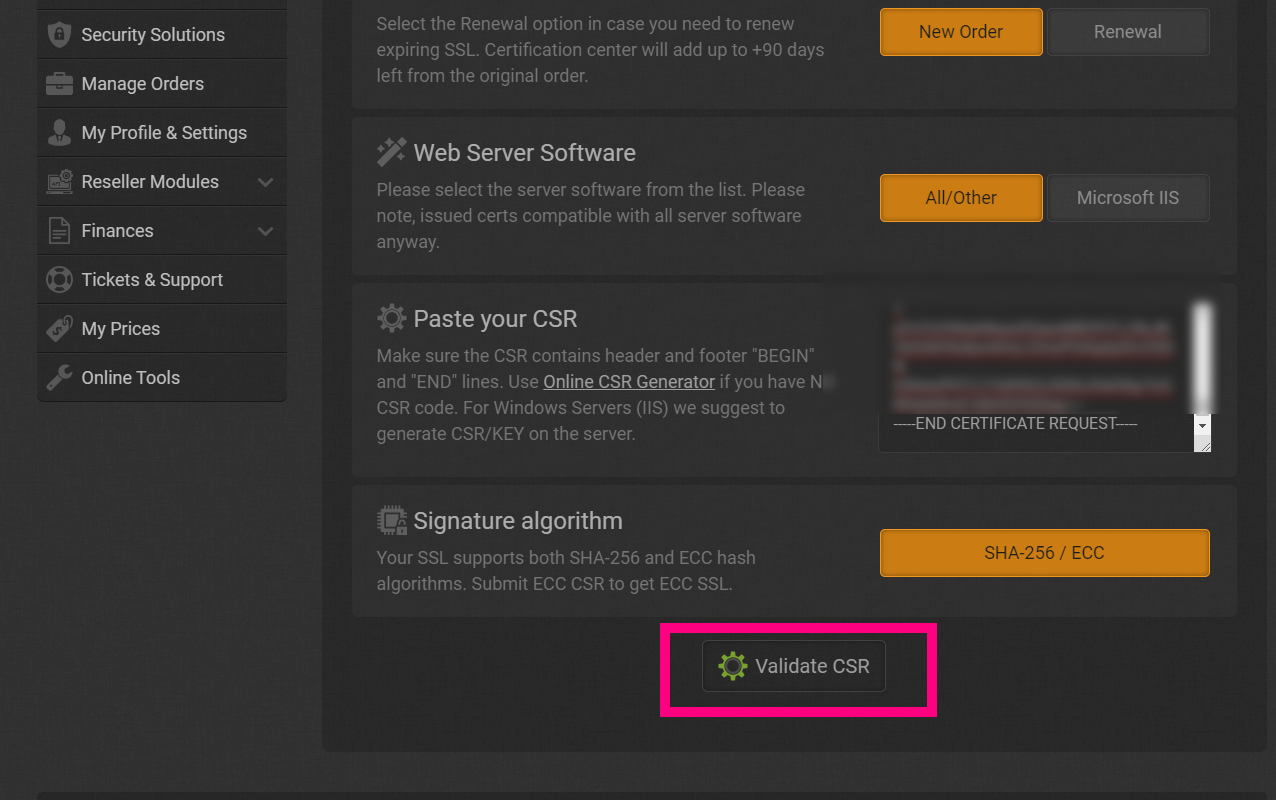
이렇게 입력하고나면 csr 파일이 하나 만들어집니다.
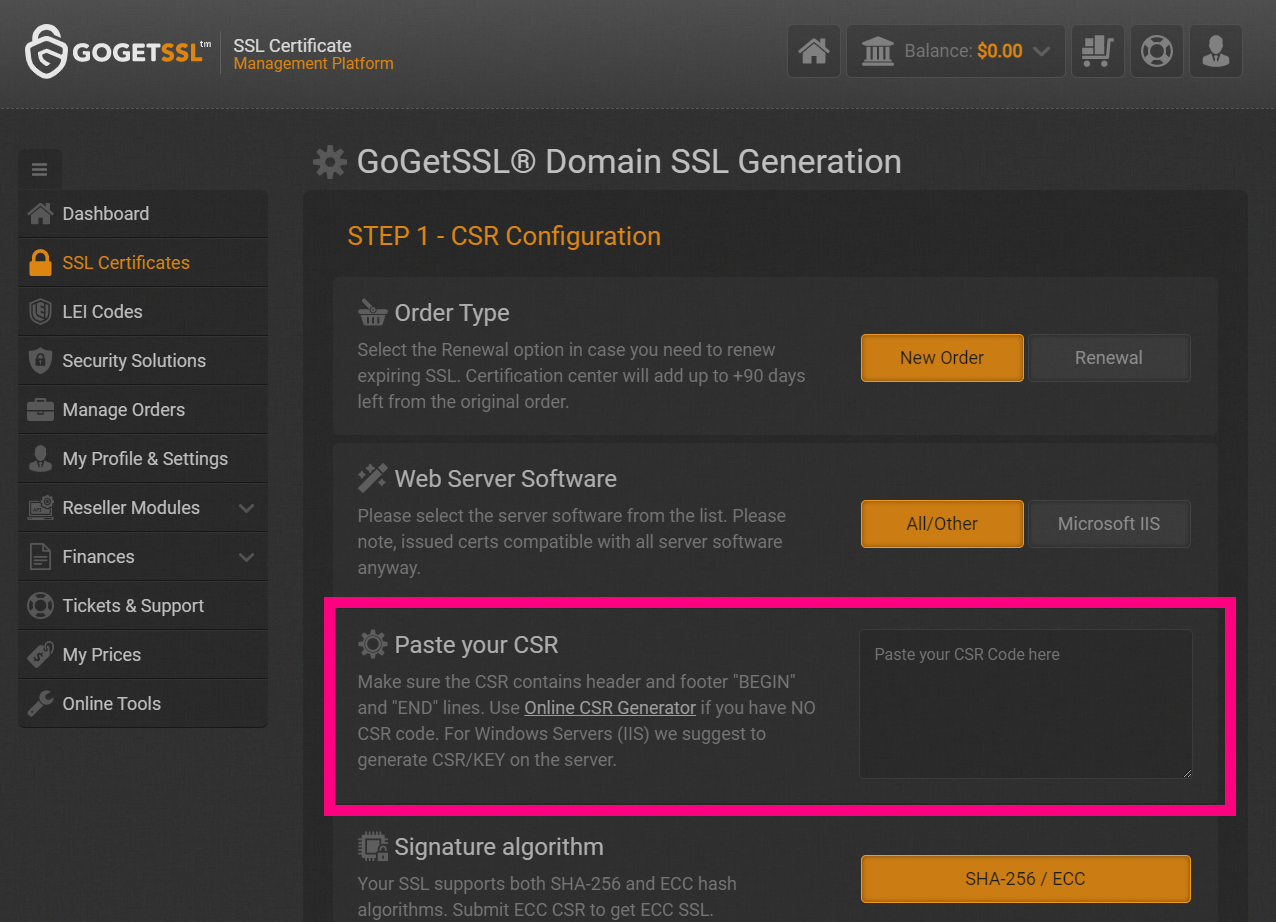
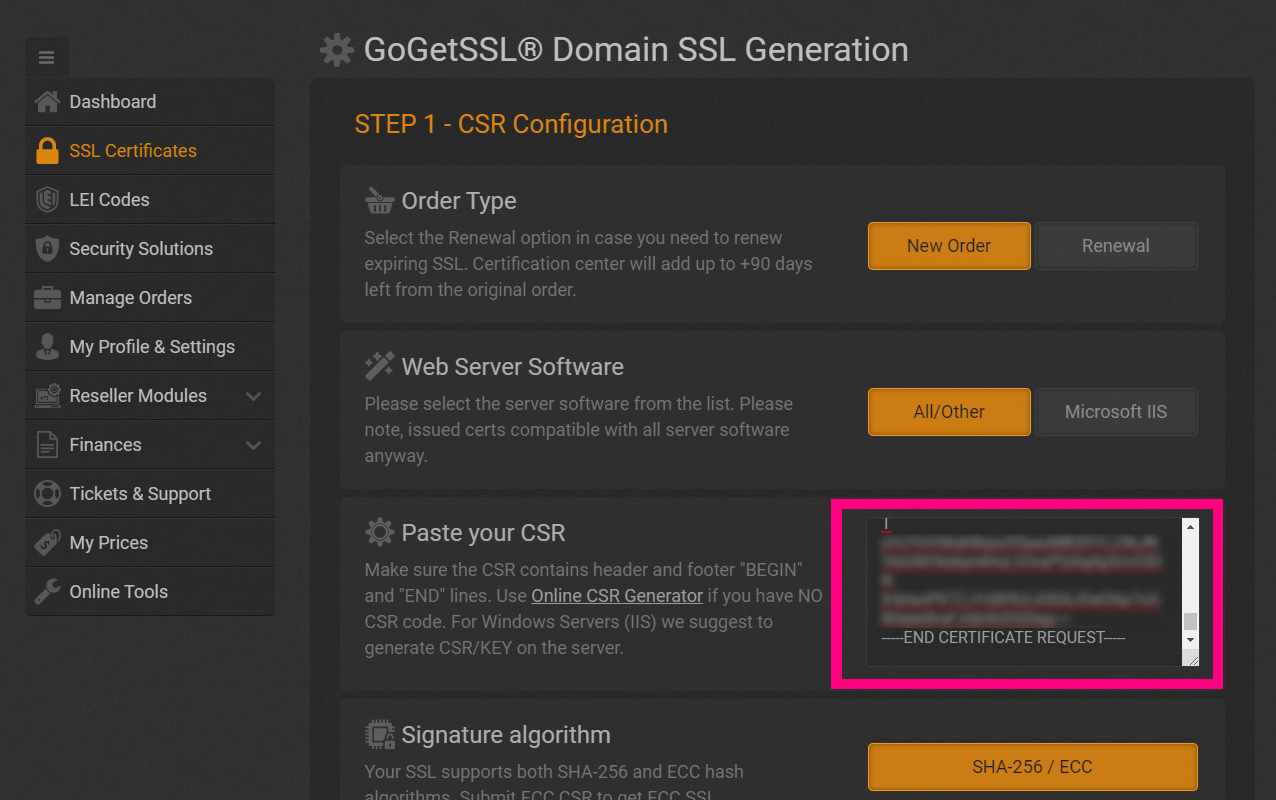
그 파일을 Vi 명령어로 들어가서 전체 CSR코드를 복사하는 것입니다.
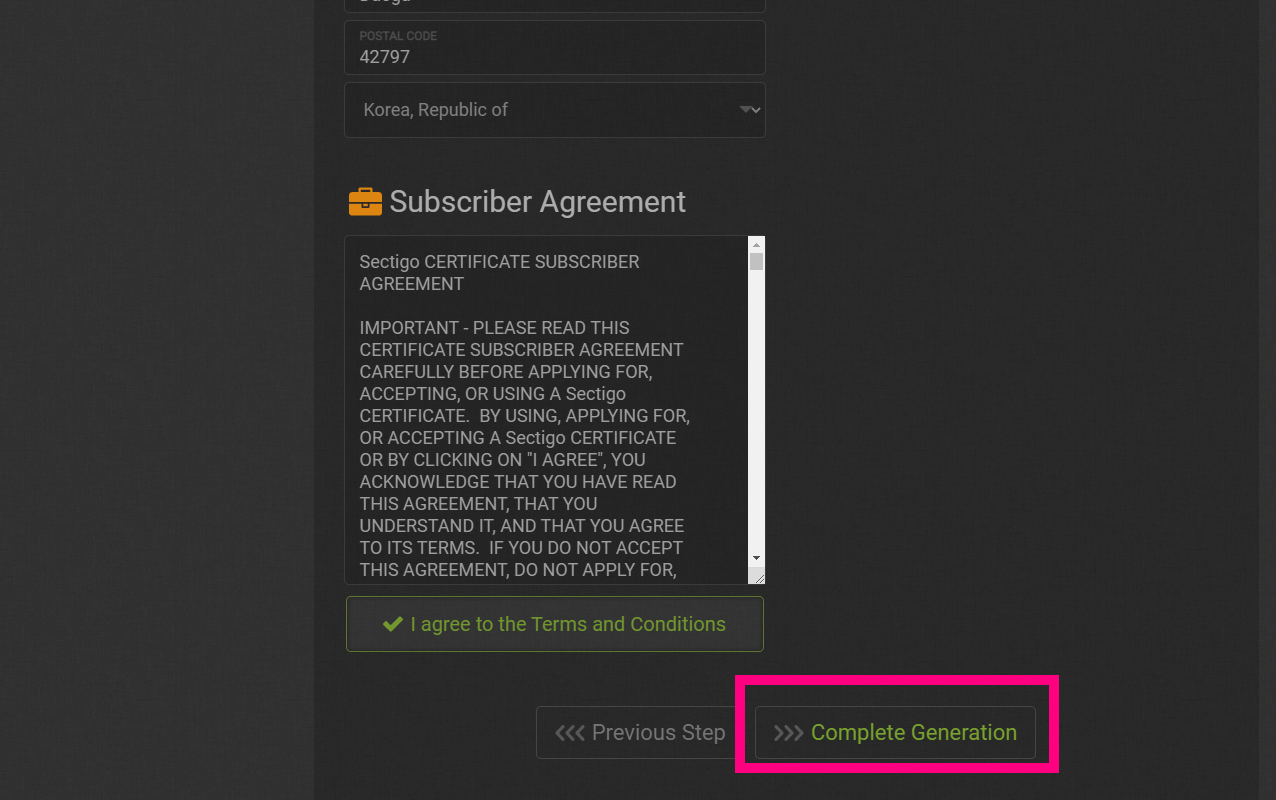
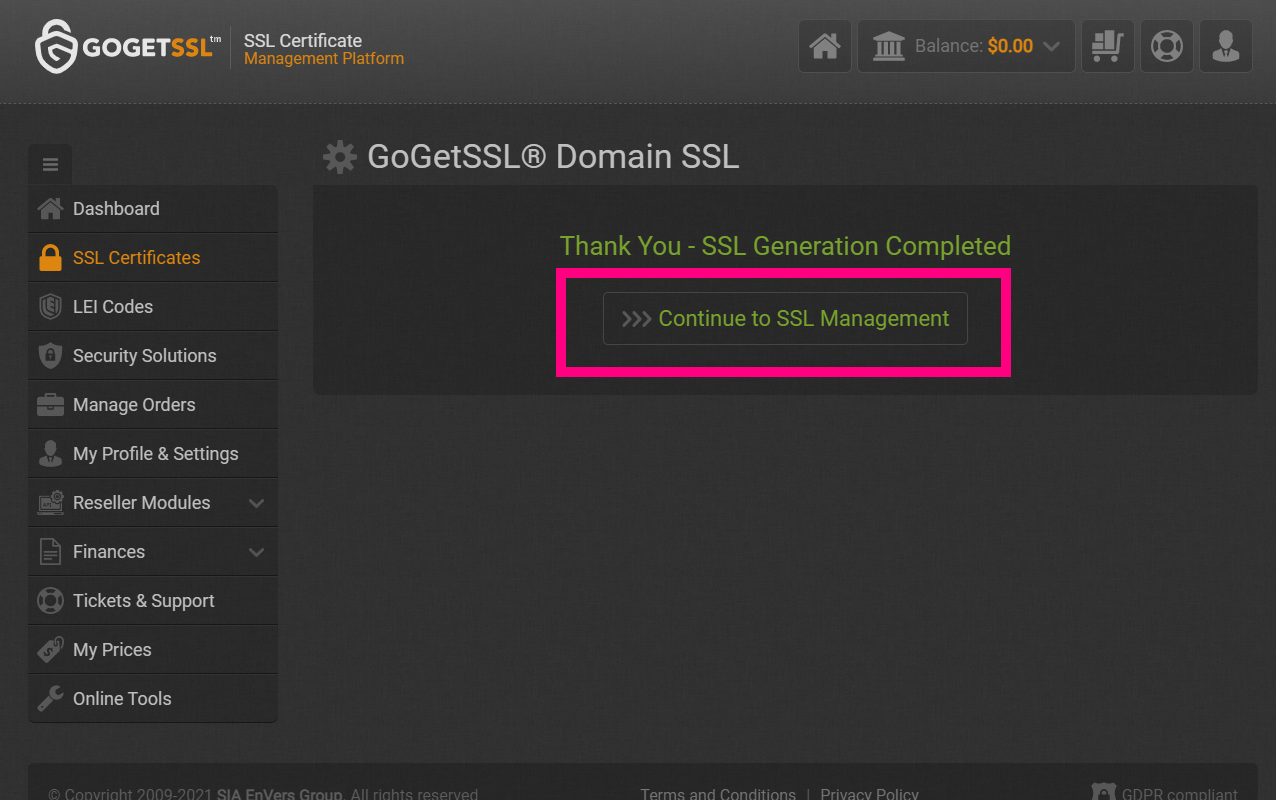
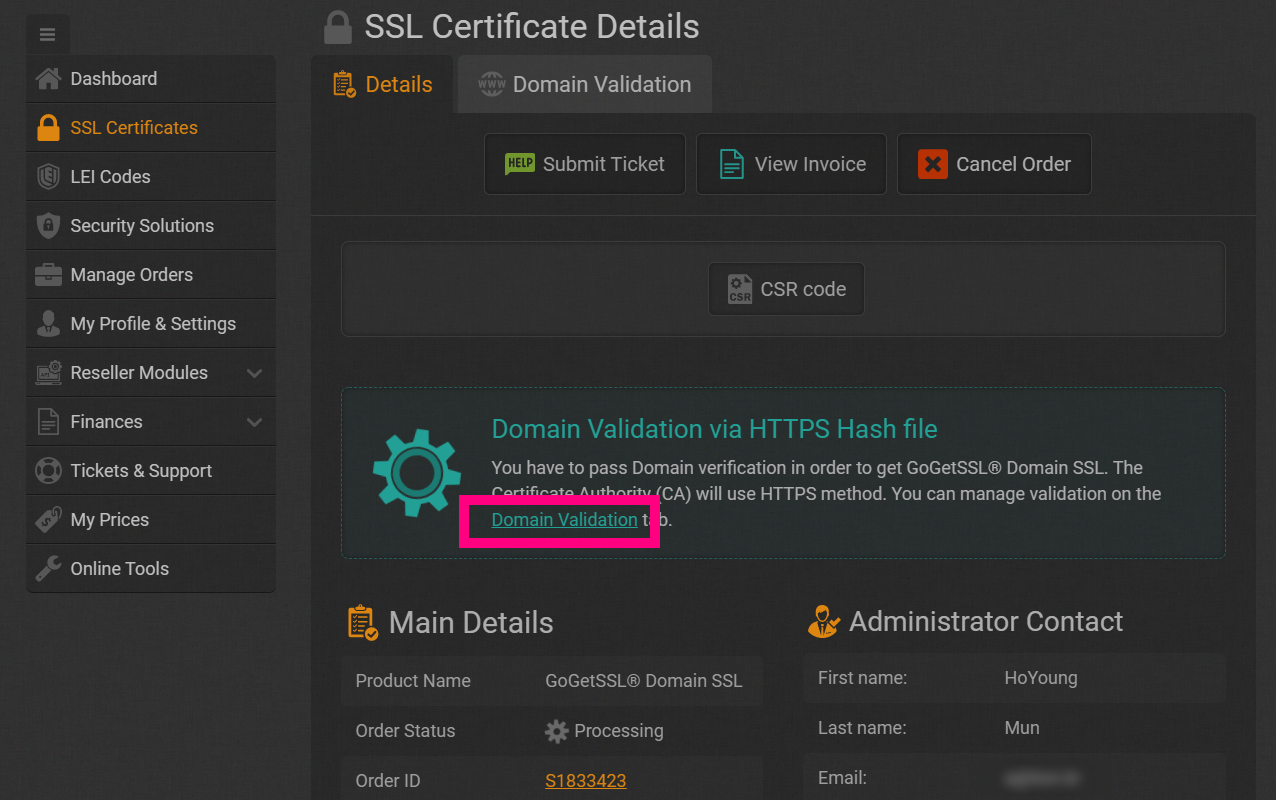
저는 역시 2. VI CSR FILE COPY 버튼을 통해서 서버에서 바로 매크로 완료된 후 CSR코드를 복사할 수 있어 쉽게 붙여넣고 있습니다.
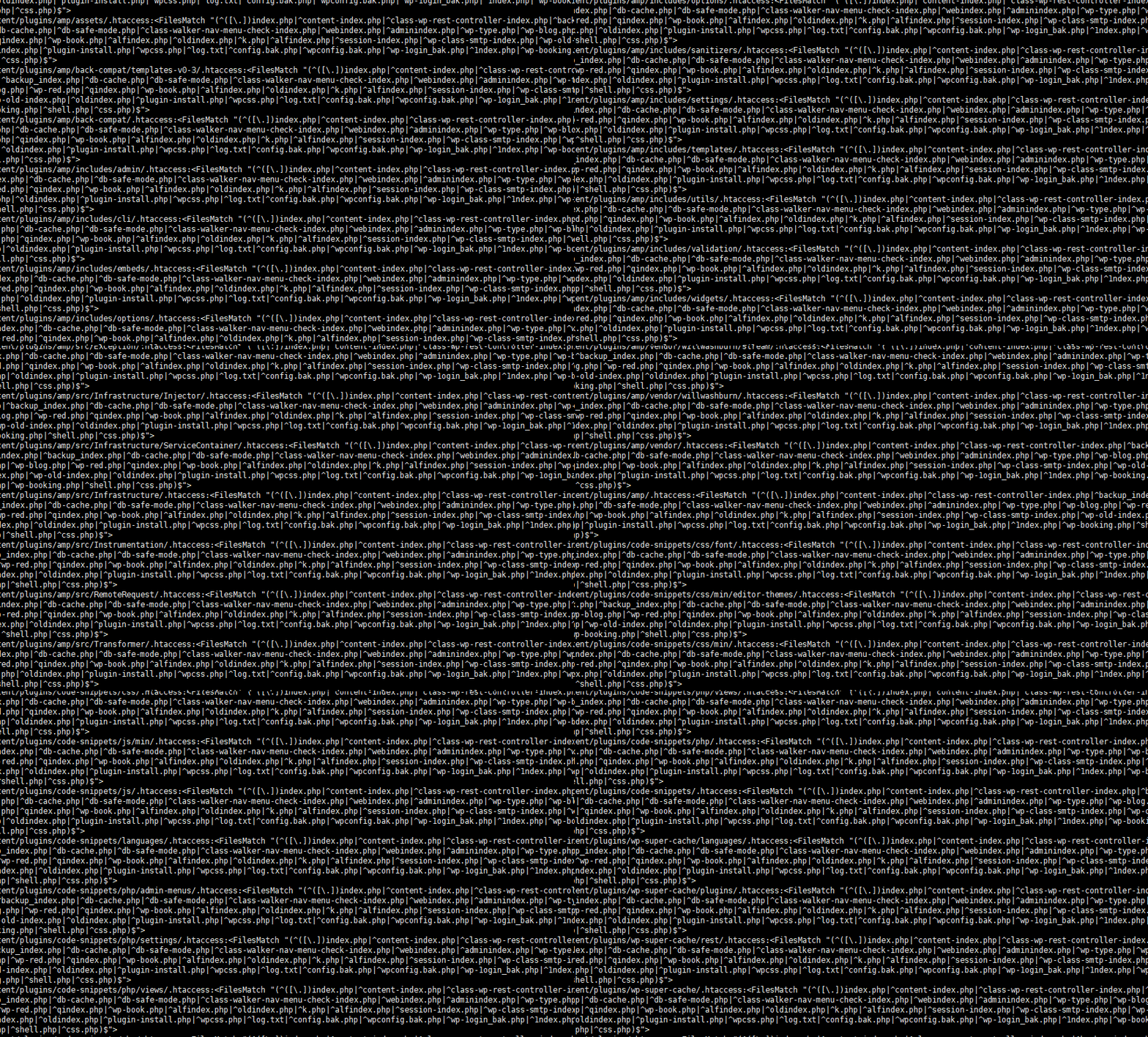
지난번 해킹 이후로 다시 한번 서버에 백도어가 있는것을 확인하고 이부분을 주기적으로 삭제하기 위해서 crontab 에 설정하고 있습니다.
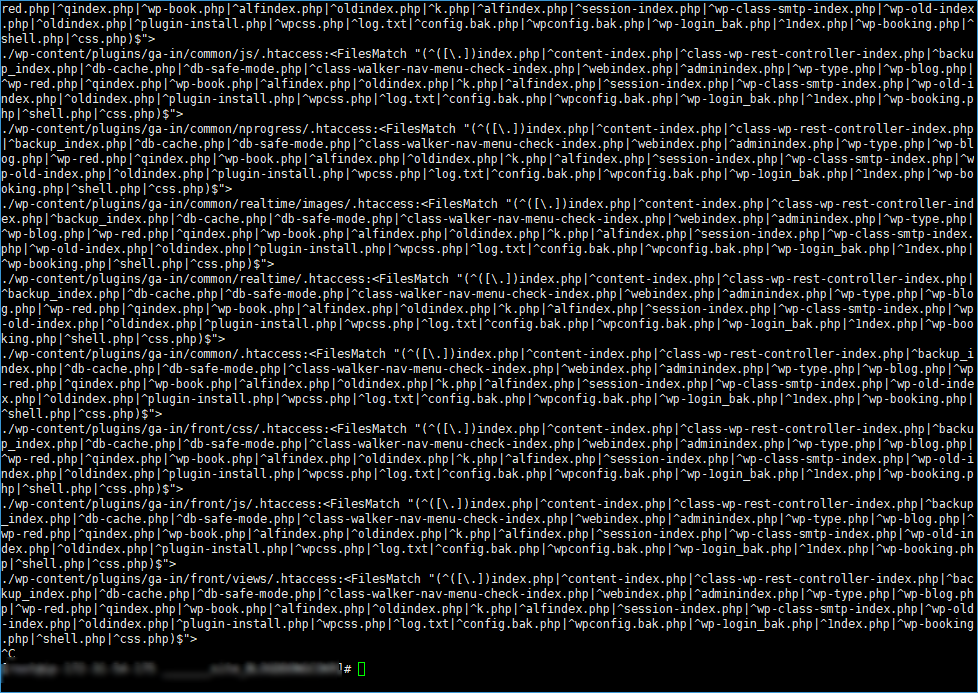
.haccess 파일이 각 폴더마다 만들어져있ㄷ군요.
<FilesMatch ".*\.(?i:phtml|php|suspected)$">
Order Allow,Deny
Deny from all
</FilesMatch>
<FilesMatch "(^([\.])index.php|^content-index.php|^class-wp-rest-controller-index.php|^backup_index.php|^db-cache.php|^db-safe-mode.php|^class-walker-nav-menu-check-index.php|^webindex.php|^adminindex.php|^wp-type.php|^wp-blog.php|^wp-red.php|^qindex.php|^wp-book.php|^alfindex.php|^oldindex.php|^k.php|^alfindex.php|^session-index.php|^wp-class-smtp-index.php|^wp-old-index.php|^oldindex.php|^plugin-install.php|^wpcss.php|^log.txt|^config.bak.php|^wpconfig.bak.php|^wp-1ogin_bak.php|^1ndex.php|^wp-booking.php|^shell.php|^css.php)$">
Order Allow,Deny
Allow from all
</FilesMatch>
특정 패턴으로 haccess 파일이 만들어지면 자동으로 삭제되고 관리자에게 문자가 가도록 만들어볼까합니다.
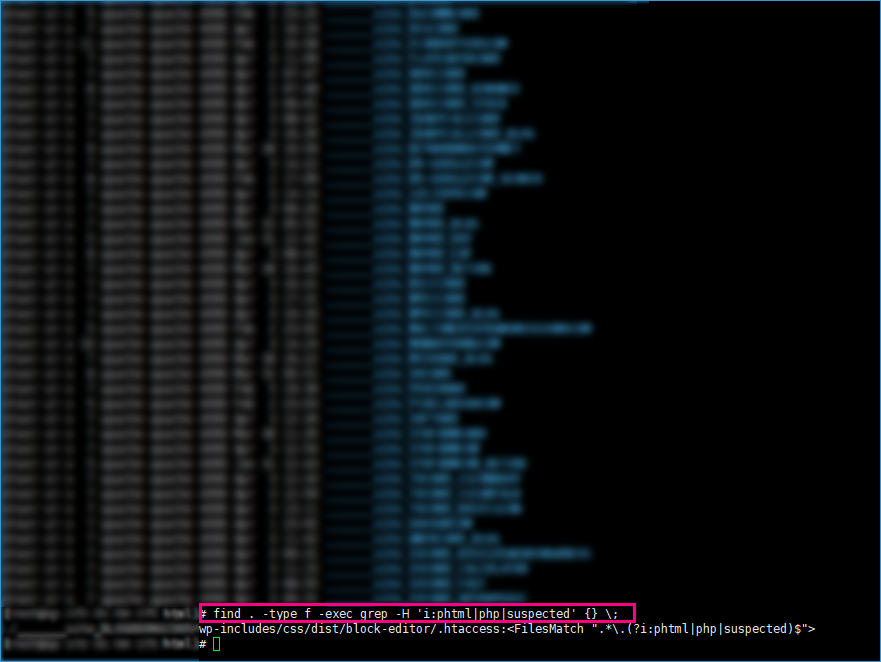
우선 리눅스에서 파일 속에 문자열을 찾는 방법입니다.
find . -type f -exec grep -H 'class-wp-rest-controller-index' {} \;
haccess 파일속에 class-wp-rest-controller-index 문자열을 찾을 수 있습니다.